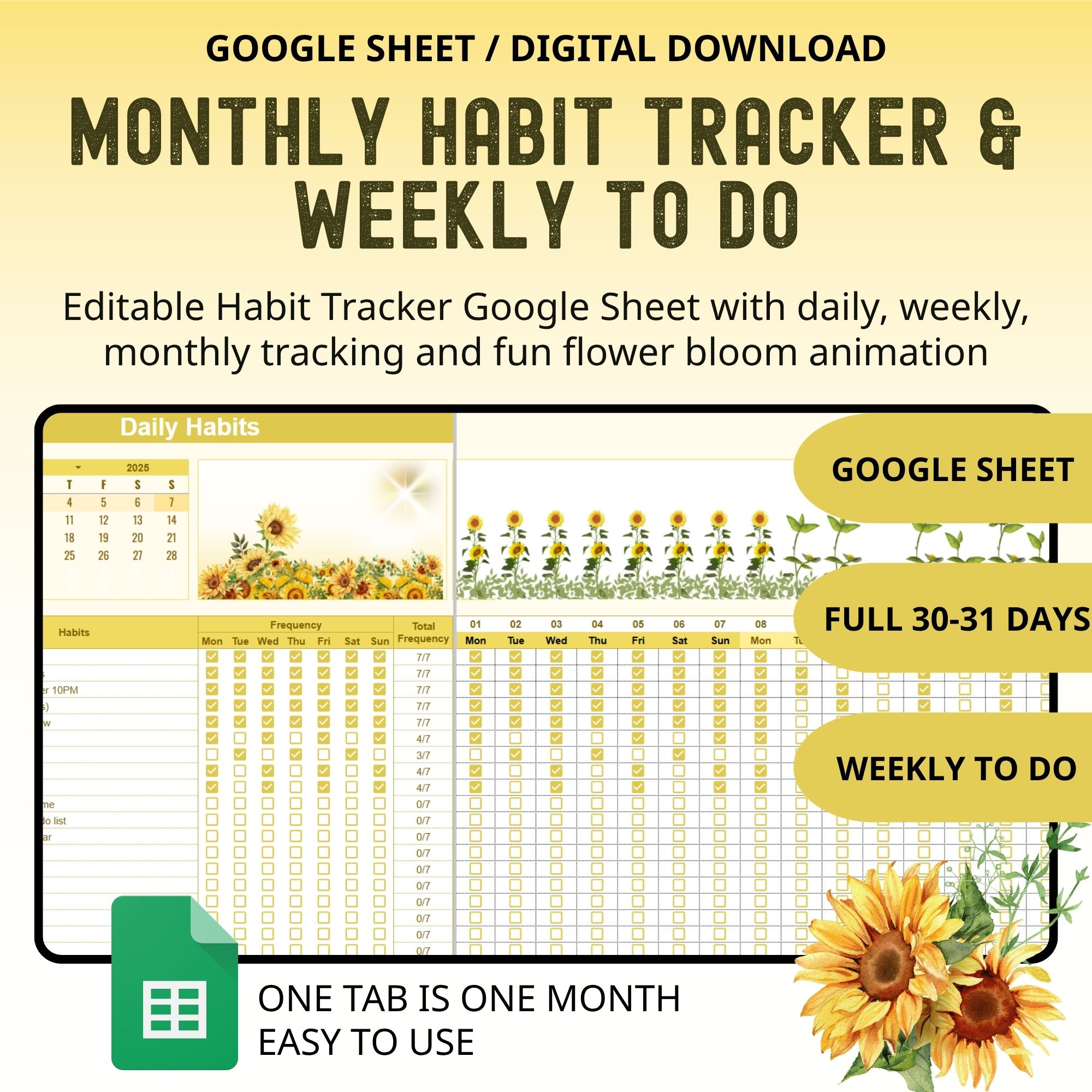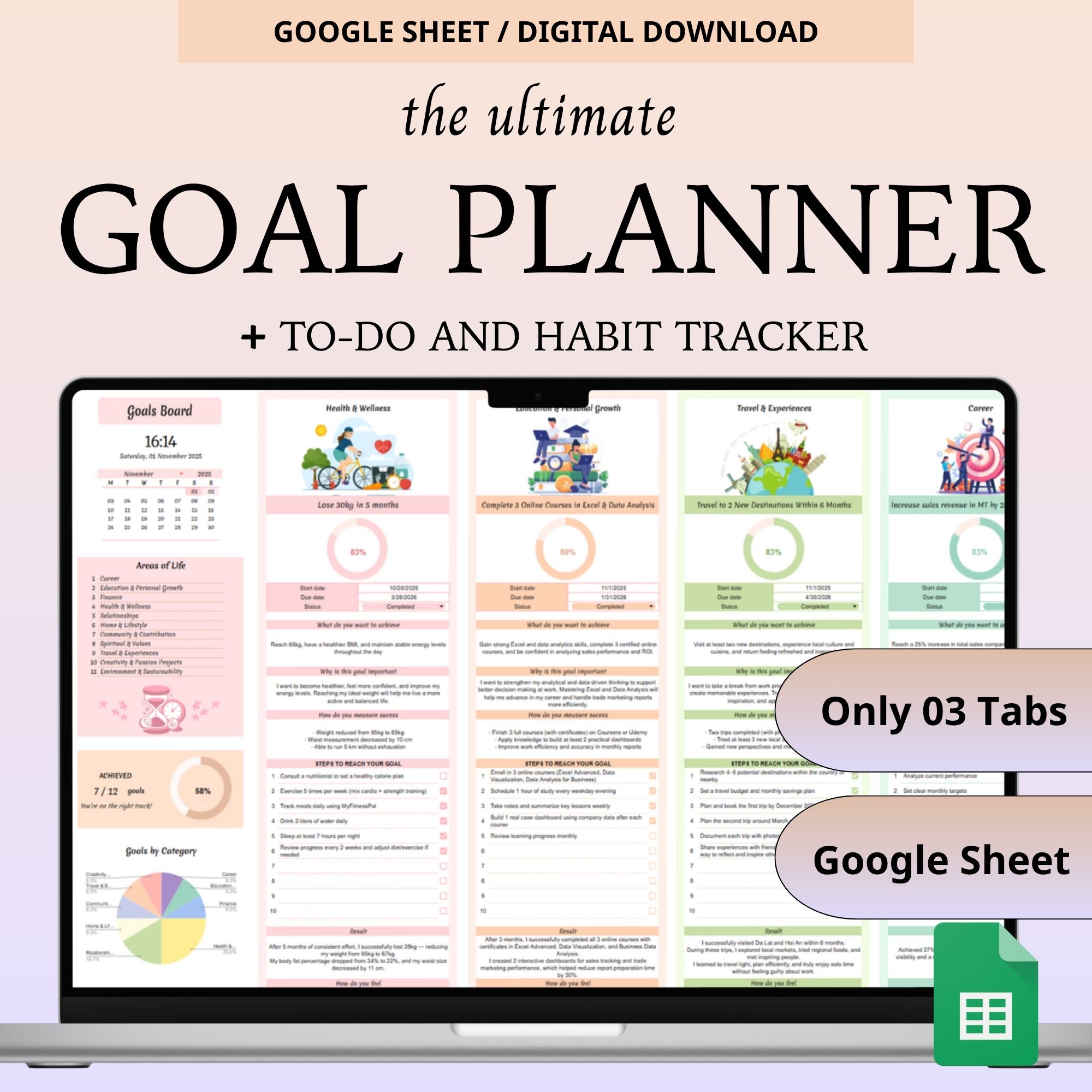
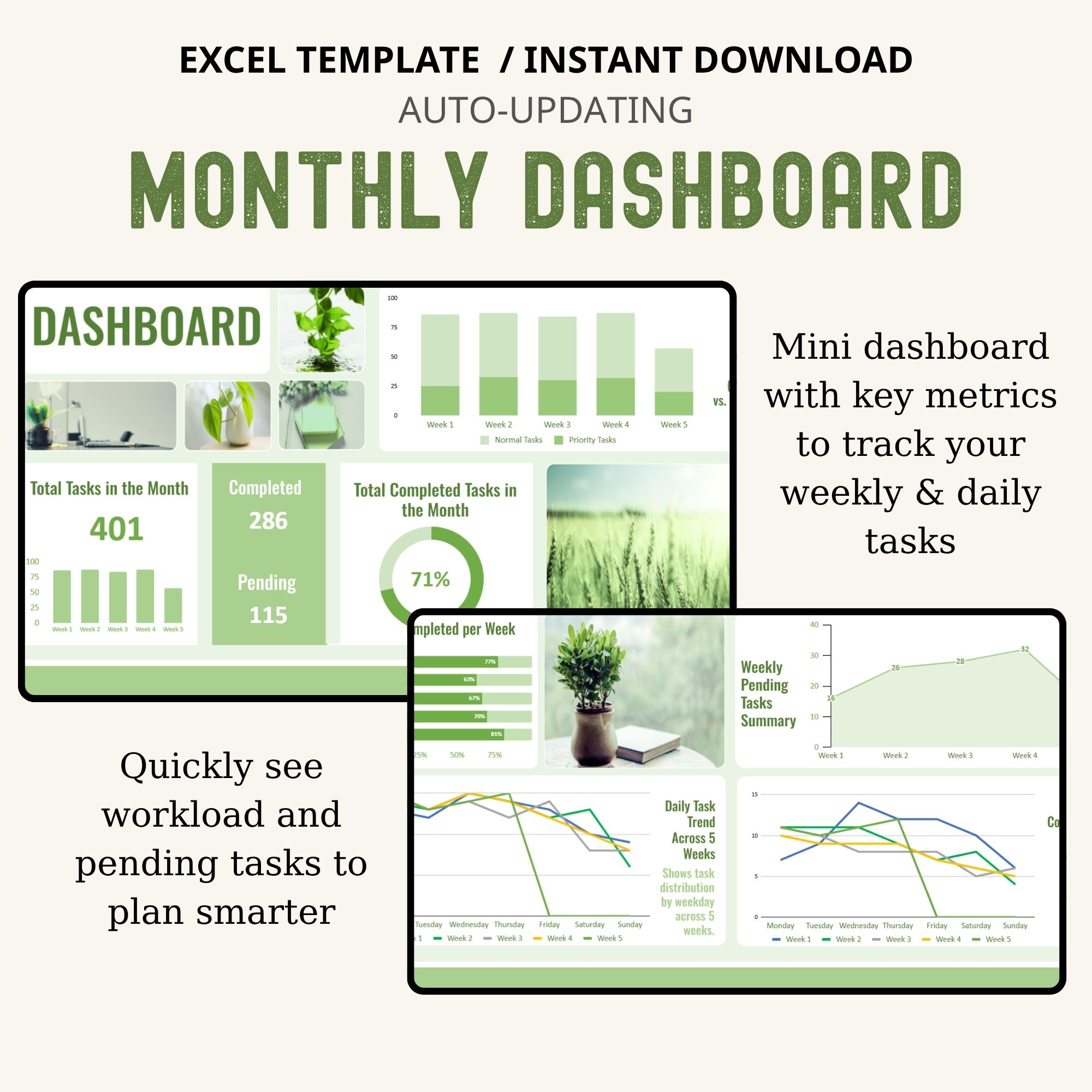
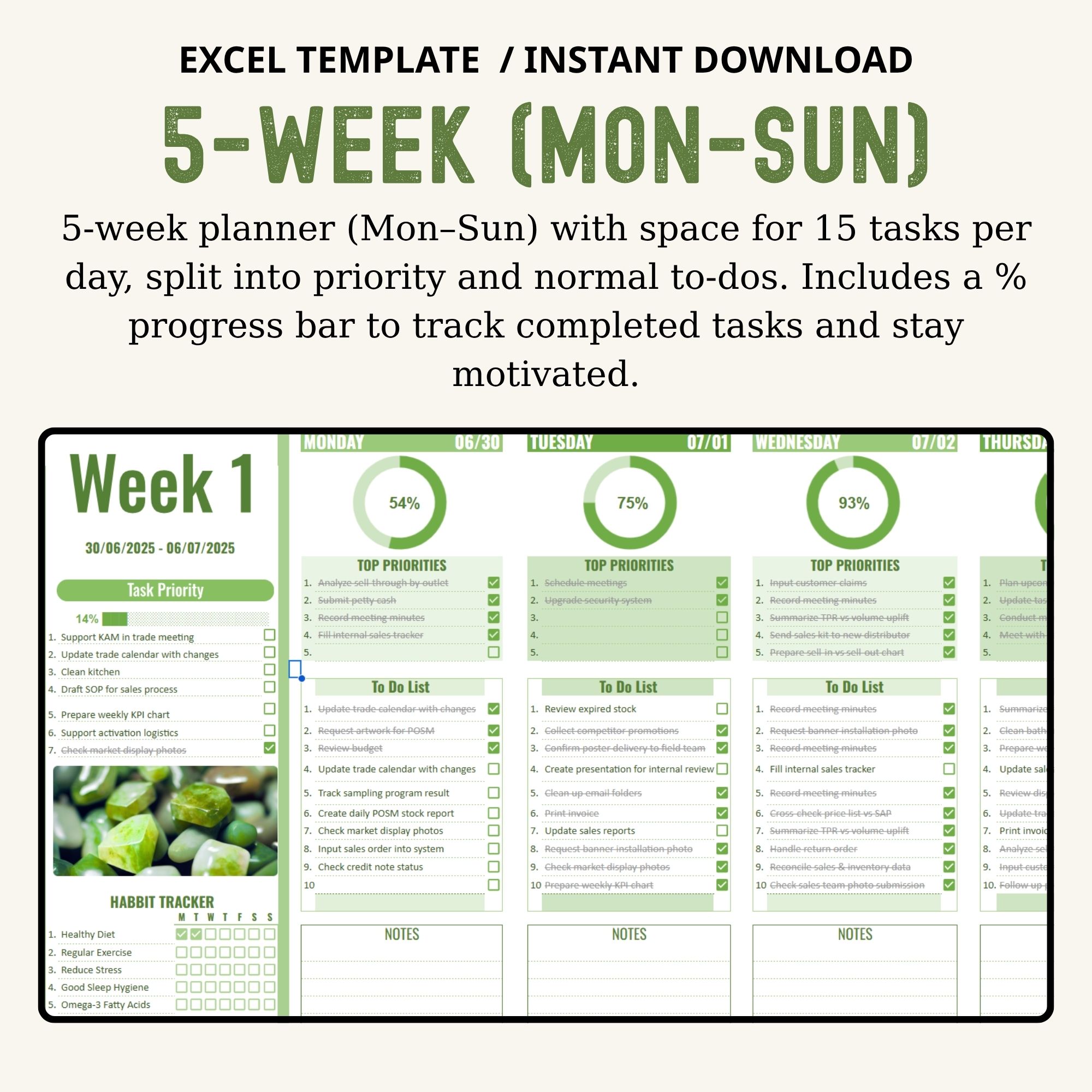

Stay organized and boost your productivity with this ADHD Daily Planner and Minimalist Daily Planner Excel — a Simple Daily Planner designed to help you manage every task with ease. This all-in-one Daily Schedule and Weekly Planner Sheet works as both a Week Schedule Sheet and a To-Do Excel Sheet, giving you a clear Daily To-Do List and Weekly To-Do List view. Whether you use it as an ADHD Day Planner, ADHD To-Do List, To-Do List Sheet, or To-Do List Board, this planner with a built-in Dashboard helps you stay focused, visualize your progress, and plan your week effectively.
What’s Included
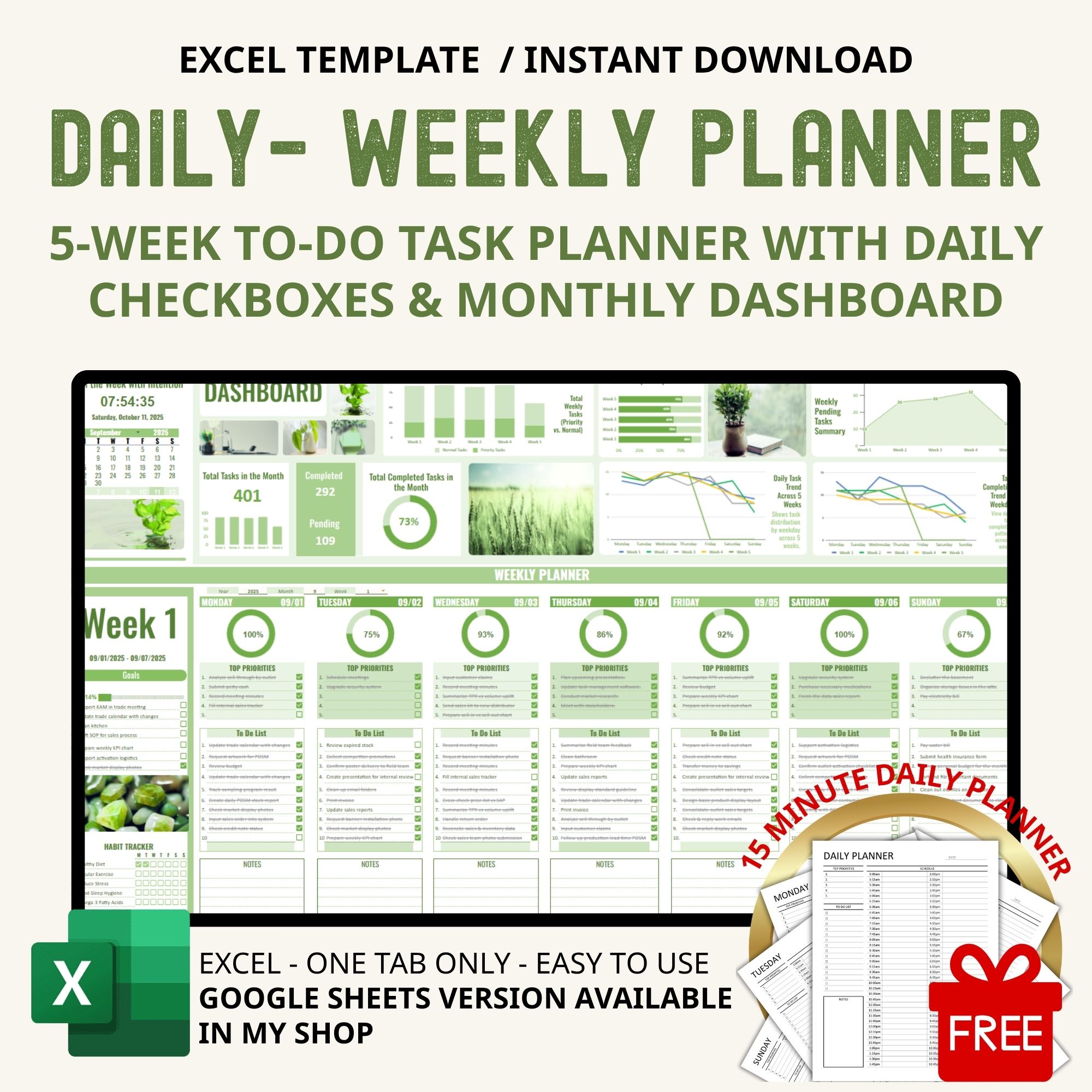
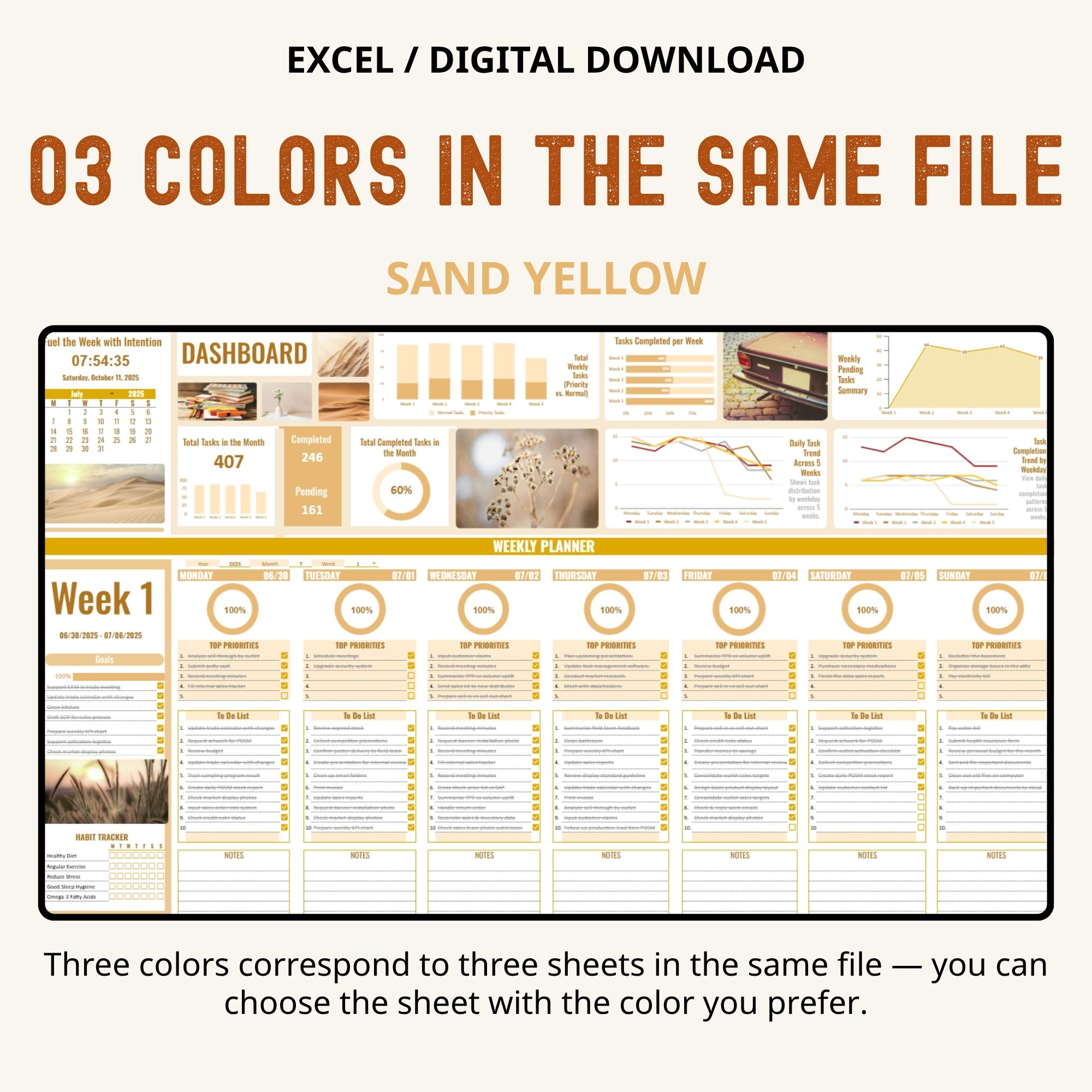
• 1 Sheet Displaying 5 Weeks (Mon–Sun): Track your entire month in one view.
• Up to 15 Tasks per Day: Categorized into Priority and Normal tasks.
• Daily Checkboxes: Stay motivated as you mark off completed tasks.
• Monthly Dashboard & Progress Bar: See completion rates in real time.
• Weekly Trend Line Chart: Spot patterns in productivity over 5 weeks.
• Pending Task Tracker: Quickly identify unfinished tasks.
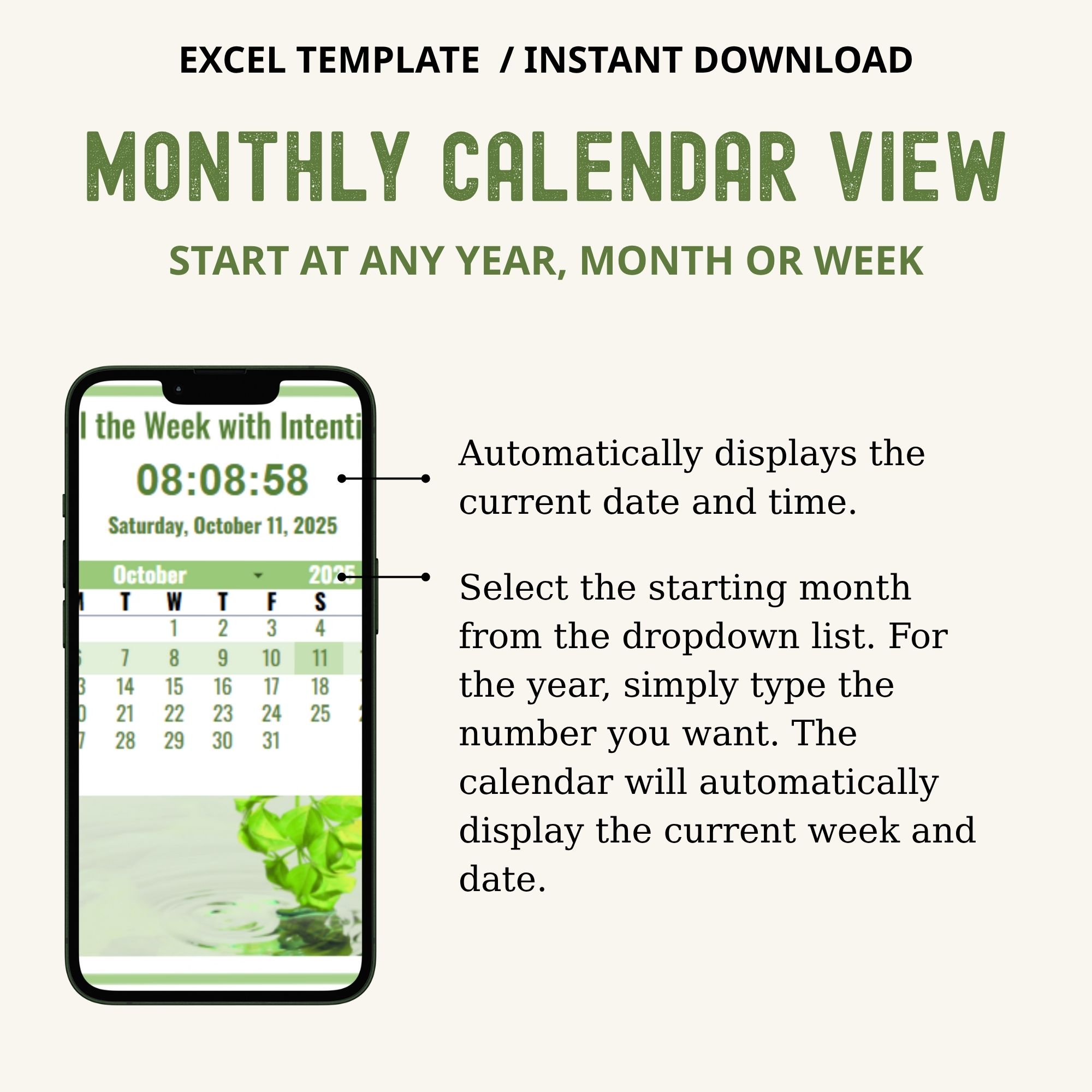
• Flexible Start Date: Choose any week, month, or year to begin.
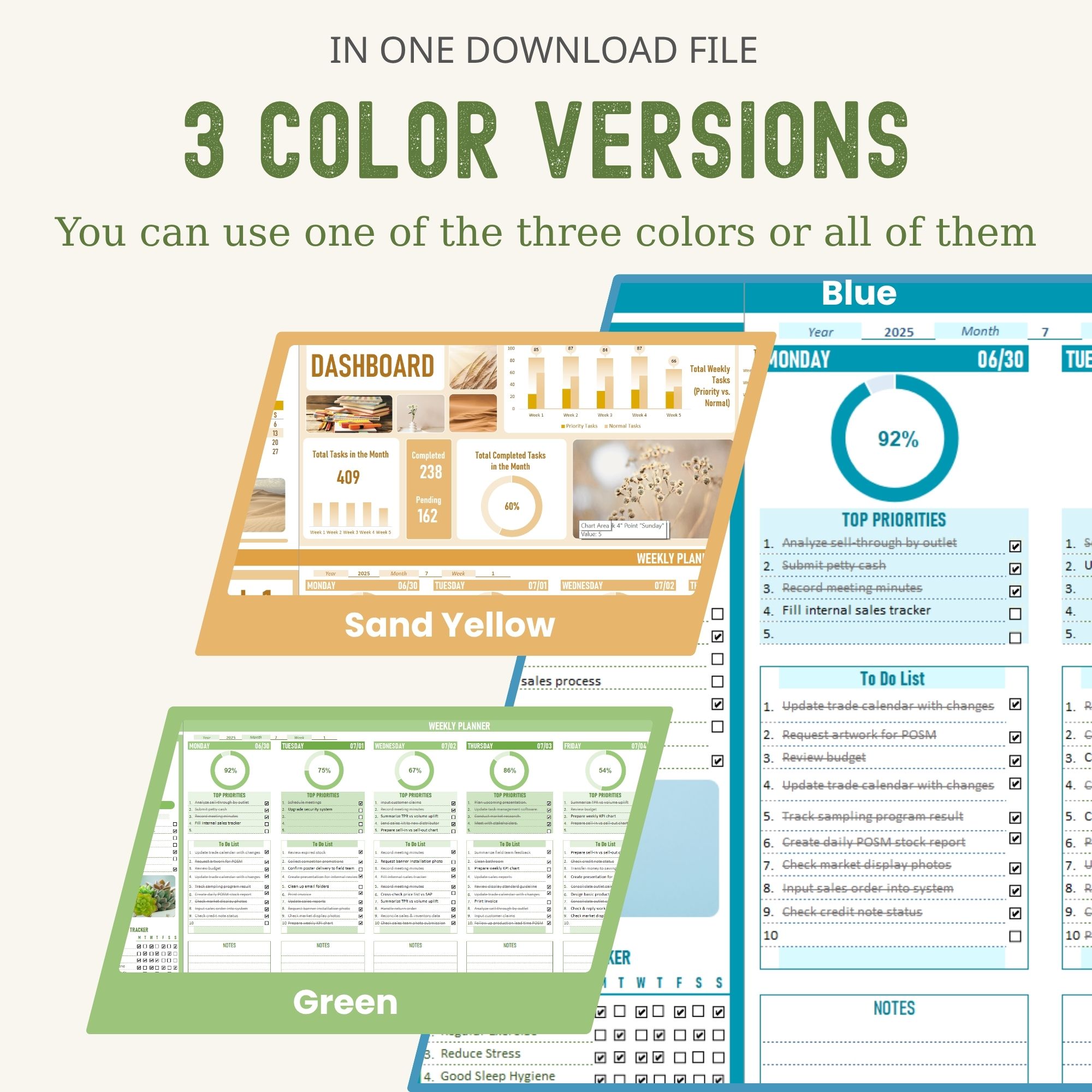
• 3 Color Versions in One File: Switch layouts for variety or focus.
Benefits
• Boost Productivity: Stay focused and complete tasks efficiently.
• Manage Time Effectively: Balance priorities and daily workload.
• Track Progress Visually: Dashboards and charts show results at a glance.
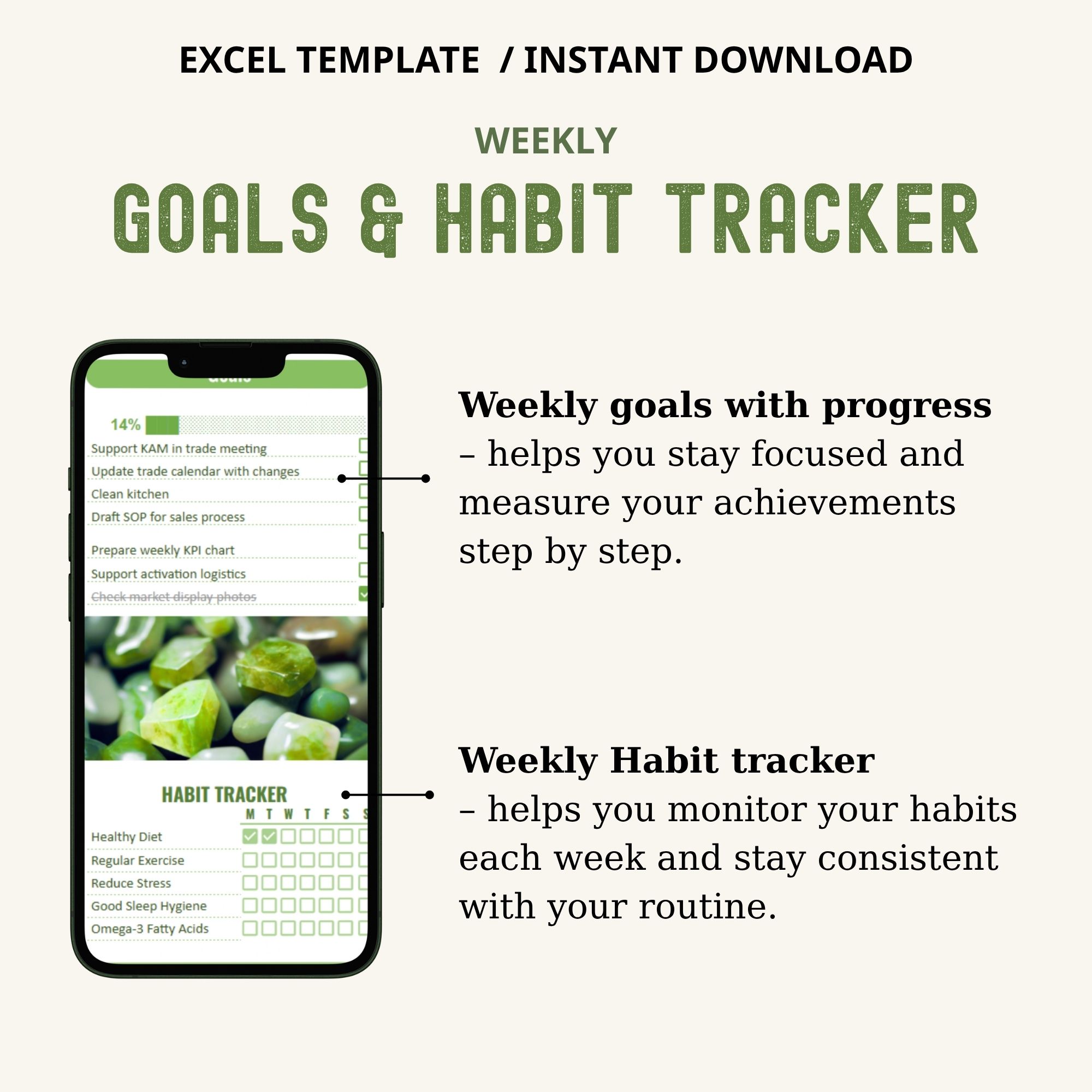
• Build Positive Habits: Maintain routines and consistency with ease.
• Minimalist & ADHD-Friendly Design: Clean layout helps reduce overwhelm.
Features
- Editable & Customizable: Change colors, duplicate sheets, adjust tasks to your needs.
- Compatible: Works on Excel (Office 365 Desktop App).
- User-Friendly: Intuitive layout suitable for beginners and advanced users.
- Instant Digital Download: Start planning immediately after purchase.
Perfect For
- Work planner weekly – plan meetings, projects, and follow-ups
- Student weekly planner – track assignments, study sessions, exams
- Business planner – manage tasks, sales, deadlines
- Family & household planning – cleaning checklist, meal planner, family schedule
- Fitness & habit tracker – build healthy routines and tick them off daily
How It Works
- Purchase: Add the template to your cart and complete checkout.
- Download: Go to Your Account > Downloads to download the PDF file.
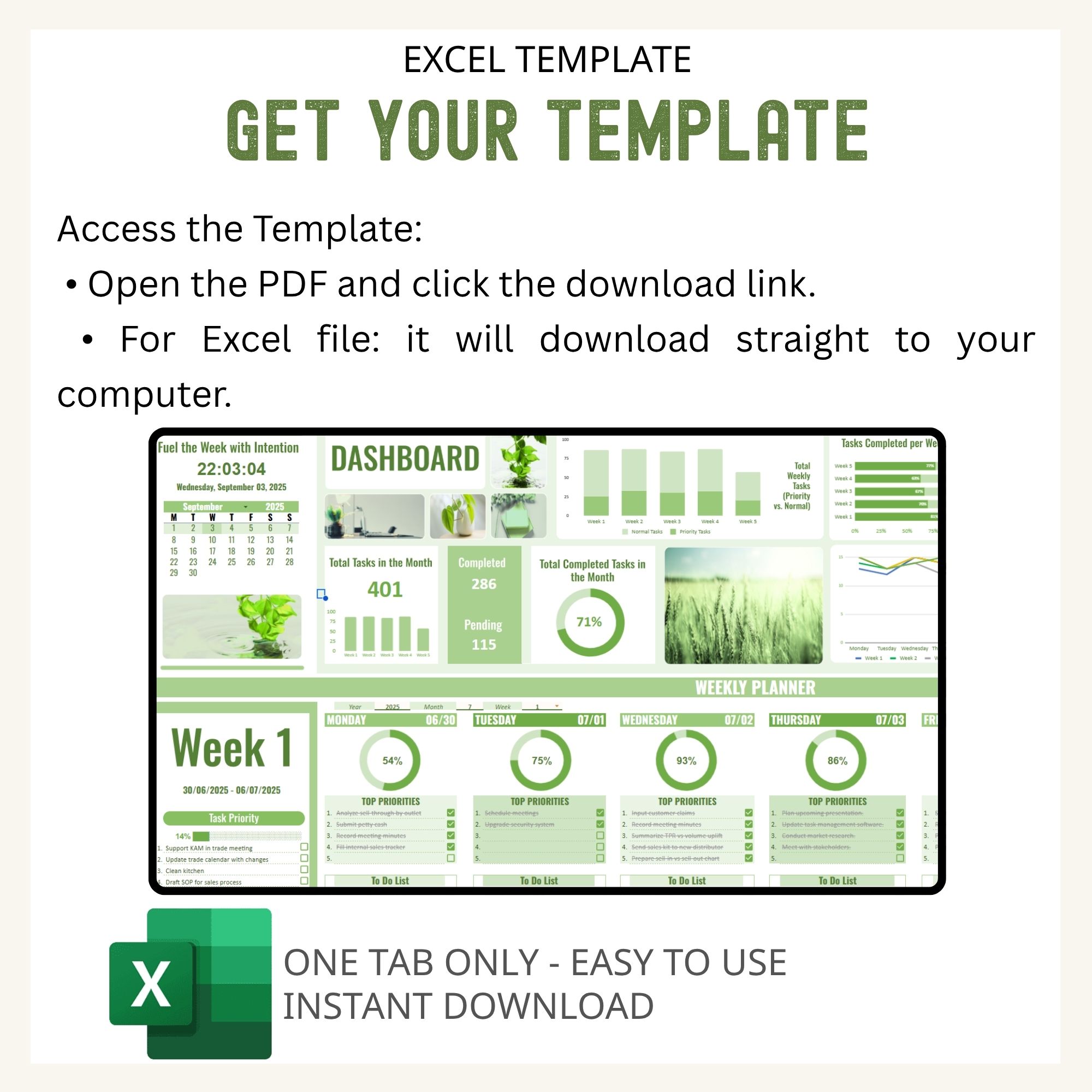
- Access Template:
- Open PDF and click the link to your spreadsheet.
- Excel: The file will download directly to your computer.
Disclaimer / Notes / Important Info
- Compatibility: Developed for latest Excel (Office 365 Desktop App). Older Excel versions may not support all features.
- Mac Users: Google Sheets version is recommended; Excel for Mac may be less stable. This template is also available in a Google Sheets version in my shop.
- Device Limitations: Template contains 1 tab per month. Duplicating tabs to create 12 months is best used on a computer, as tablets or phones may run slowly.
- This template is designed for digital use and is not intended for printing.
- Language: English only.
Please note:
- Digital Download Only: No physical product will be shipped. PDF contains a link to your spreadsheet.
- Copyright & Usage: Copyrighted by LittlePlanner. Purchase is for personal use only. Commercial use, sharing, or resale is prohibited.
- No Advice: Spreadsheet is for planning purposes only. LittlePlanner is not responsible for any loss, damage, or issues from using this template.
- This template cannot be integrated with Google Calendar, Outlook Calendar, Notion, or any other third-party apps. It works only within Excels.