Daily Task Tracker, Work Organization, Digital To-Do List, Excel Task Tracking, To Do Spreadsheet, Manager Task Tracker, Priority Matrix, Task Priority List, annual dashboard, Project Management, Task Management, Project Task Tracker, Project Gantt Chart, dashboard task to do
Stay organized, boost productivity, and manage all your projects in one place with this Digital To-Do List & Task Tracker Excel Template. Designed for professionals, managers, and creators who want a smart and automated task management system, this file helps you plan, track, and visualize your work effortlessly.
Key Features
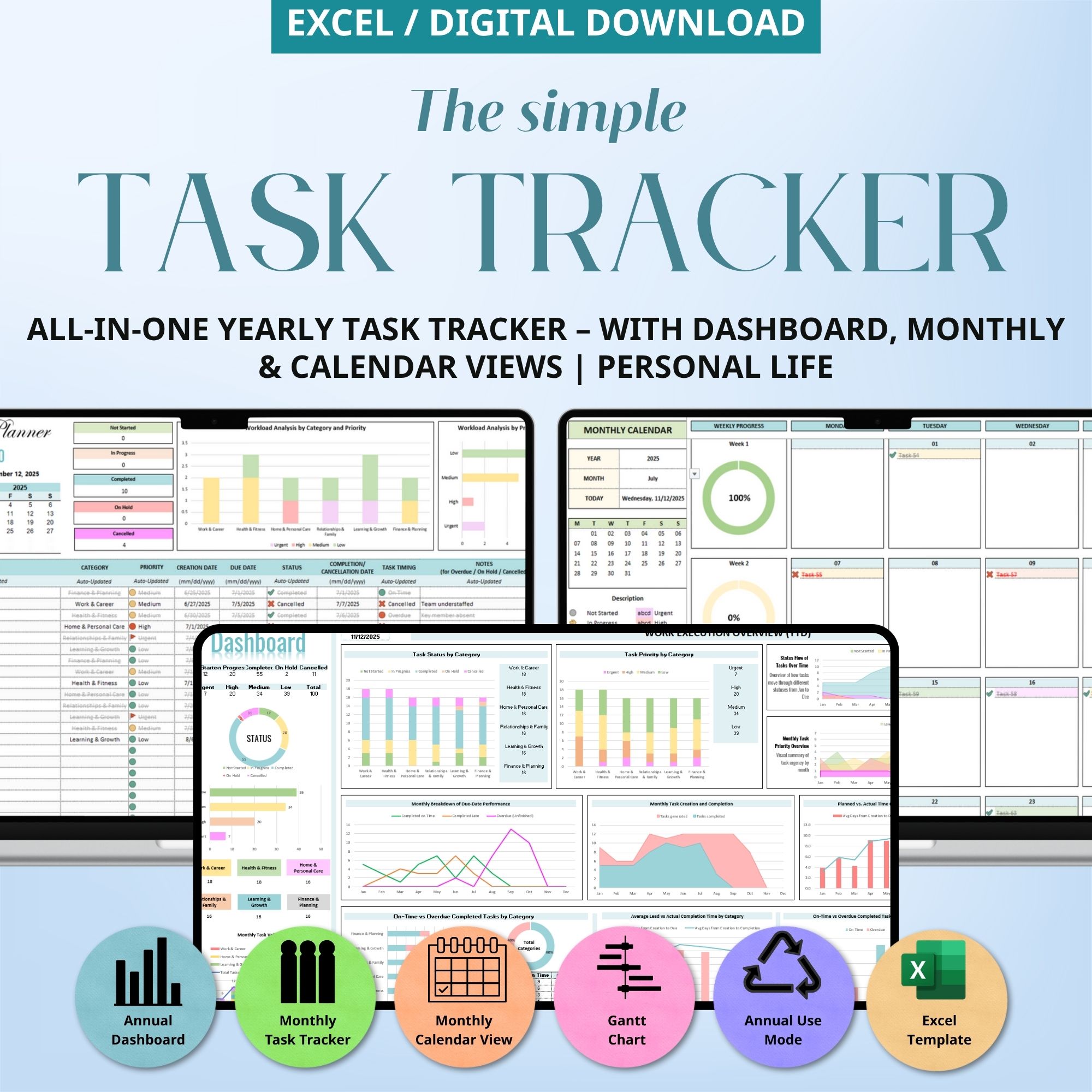
All-in-One Excel Task Tracking System – Manage daily, weekly, monthly, and yearly tasks in one file.
4 Powerful Sheets:
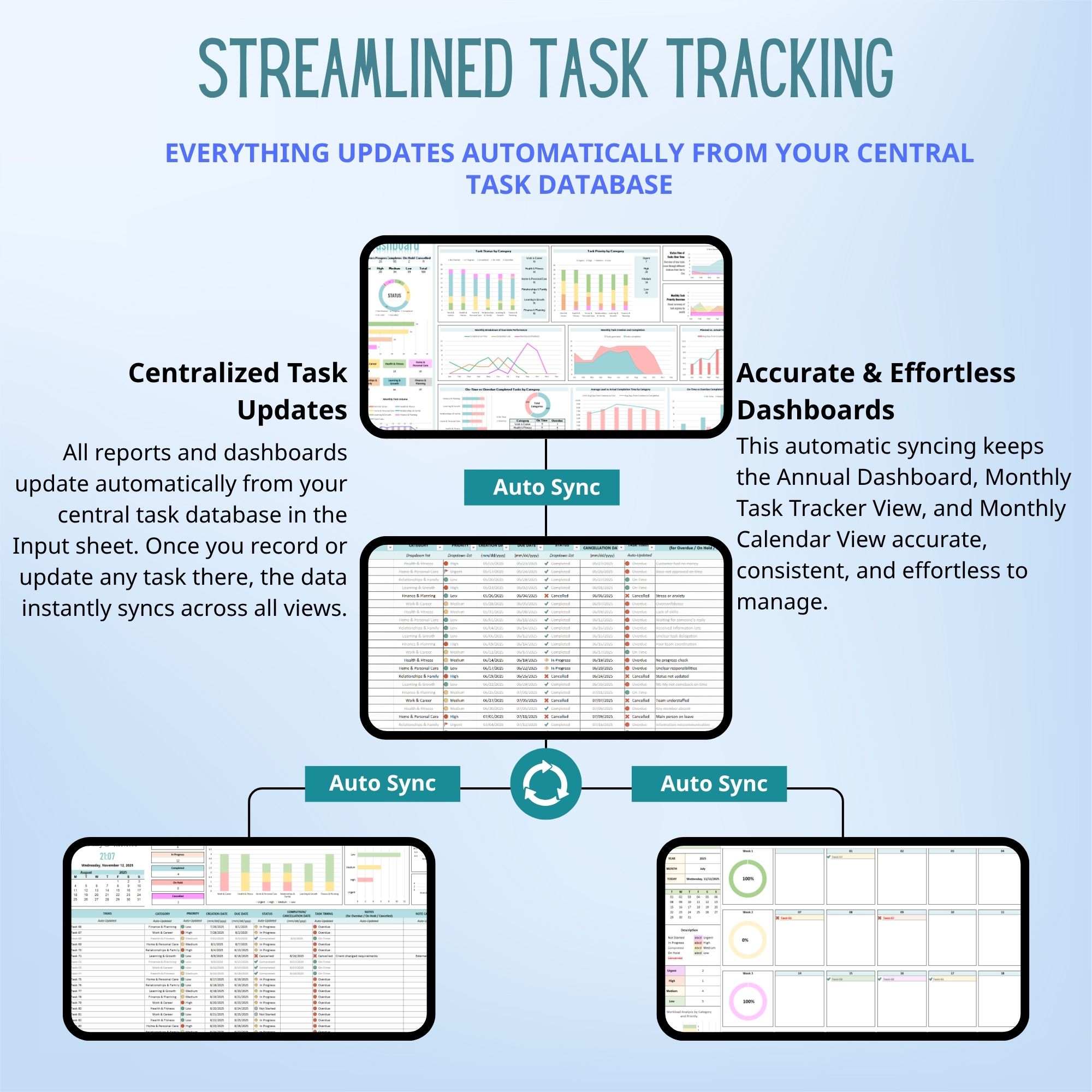
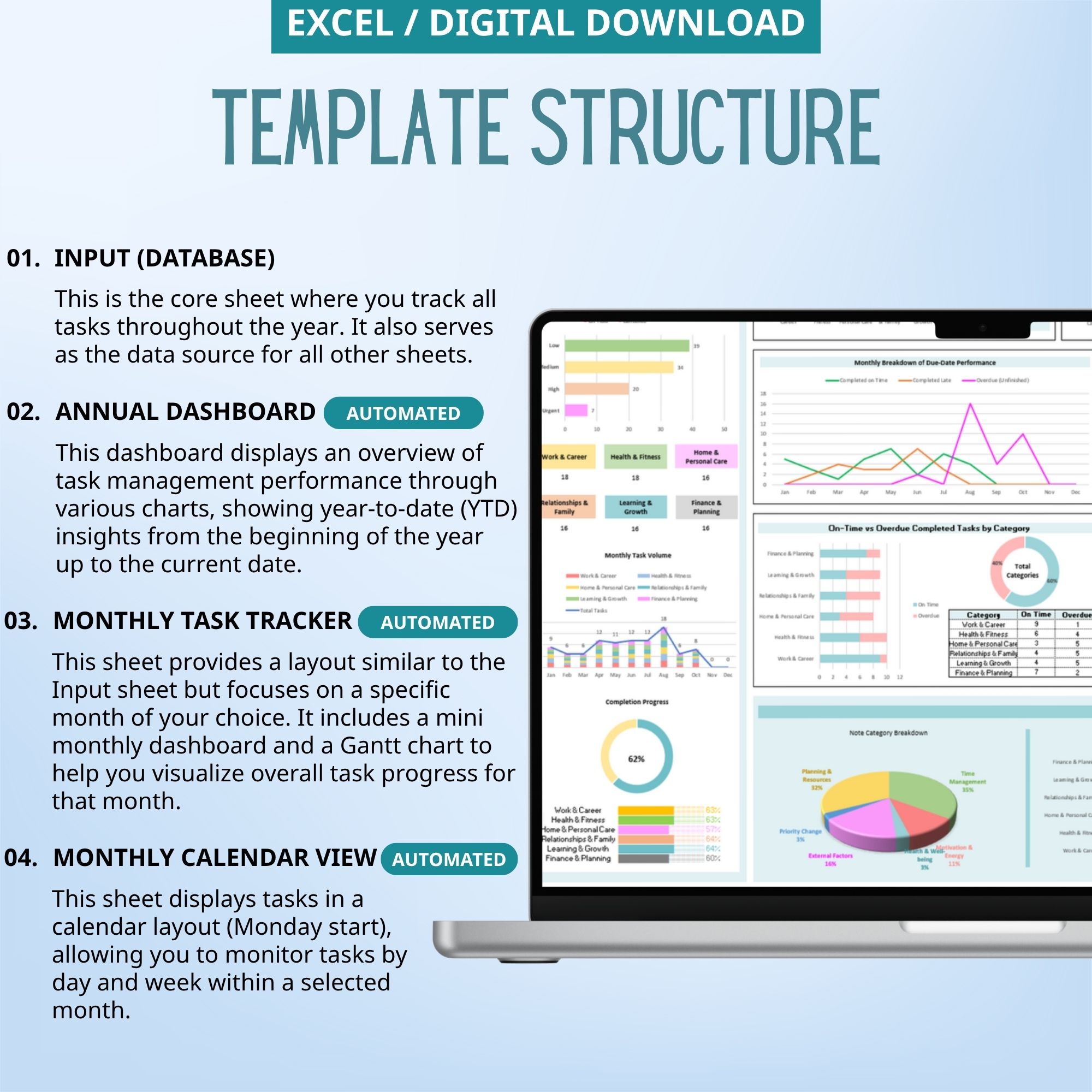
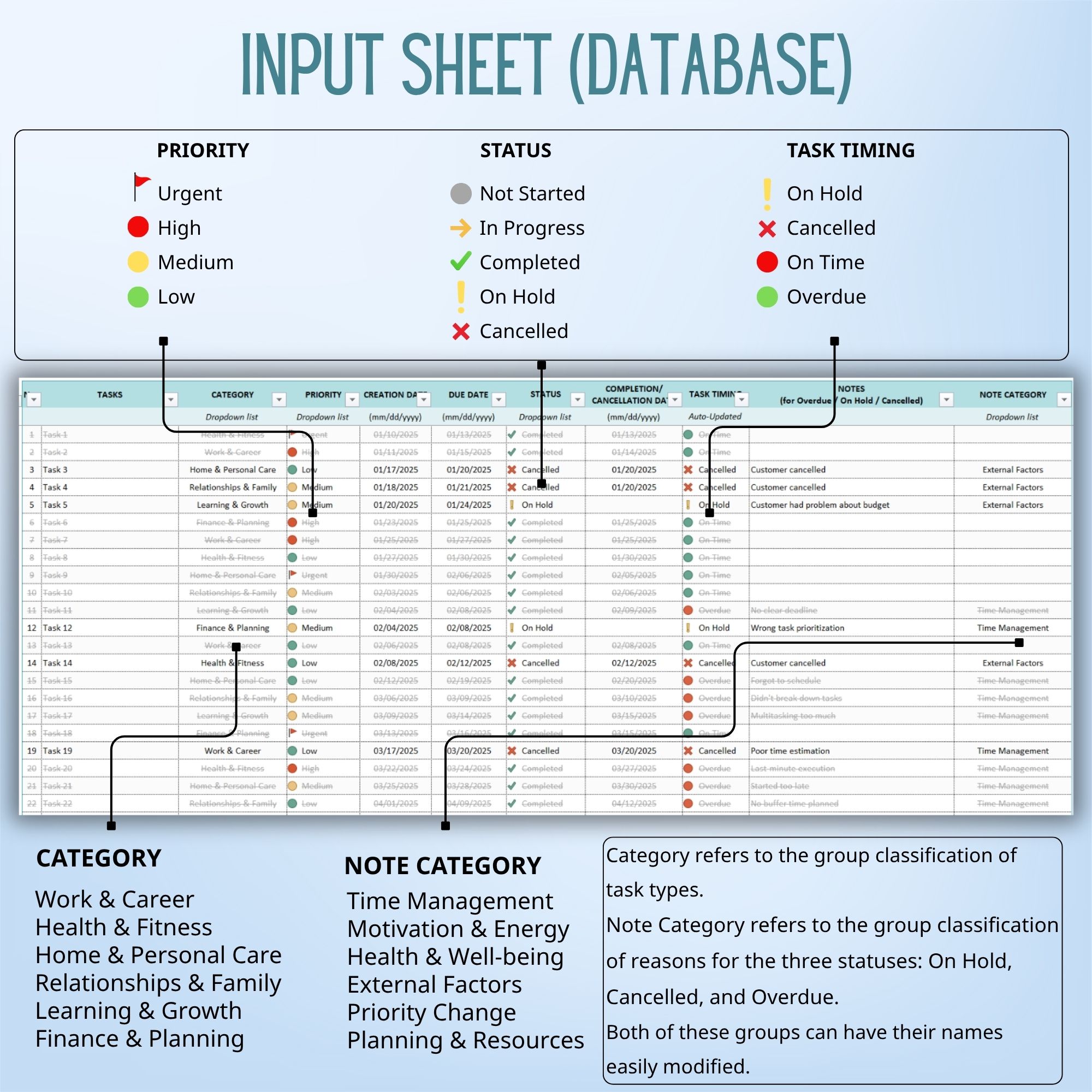
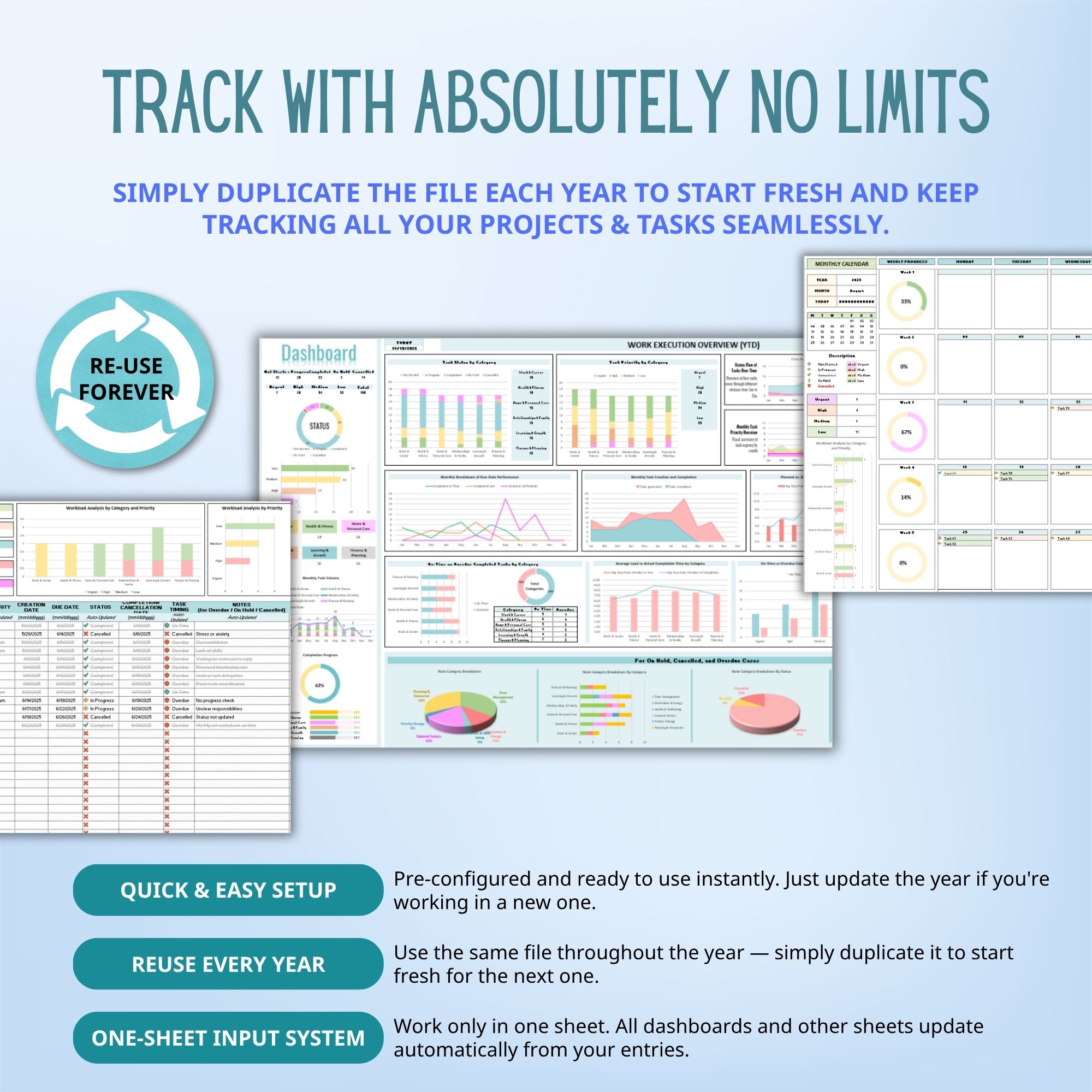
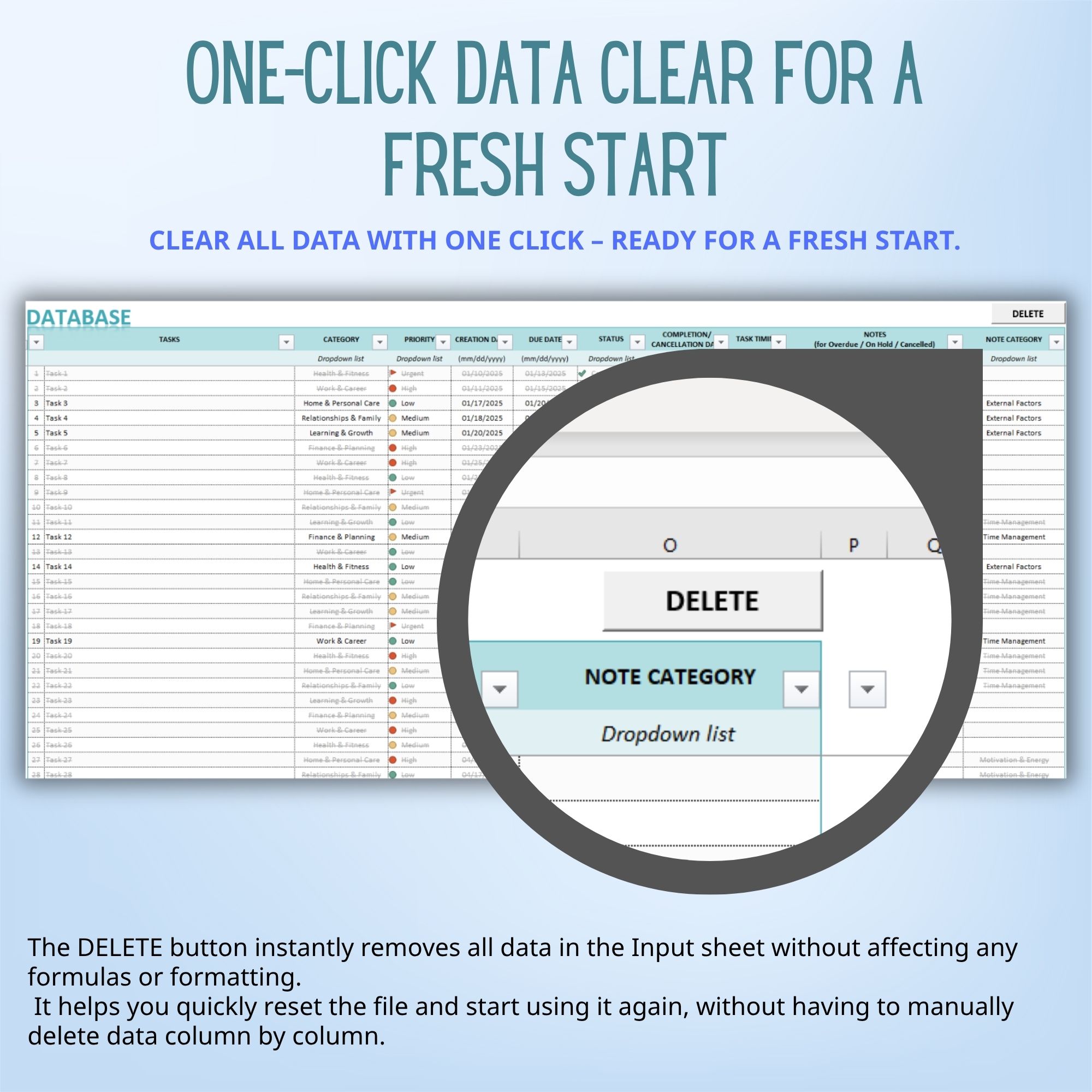
- Input Sheet (Database): Record and store all your tasks for the entire year — includes key details like deadlines, categories, priorities, and status.
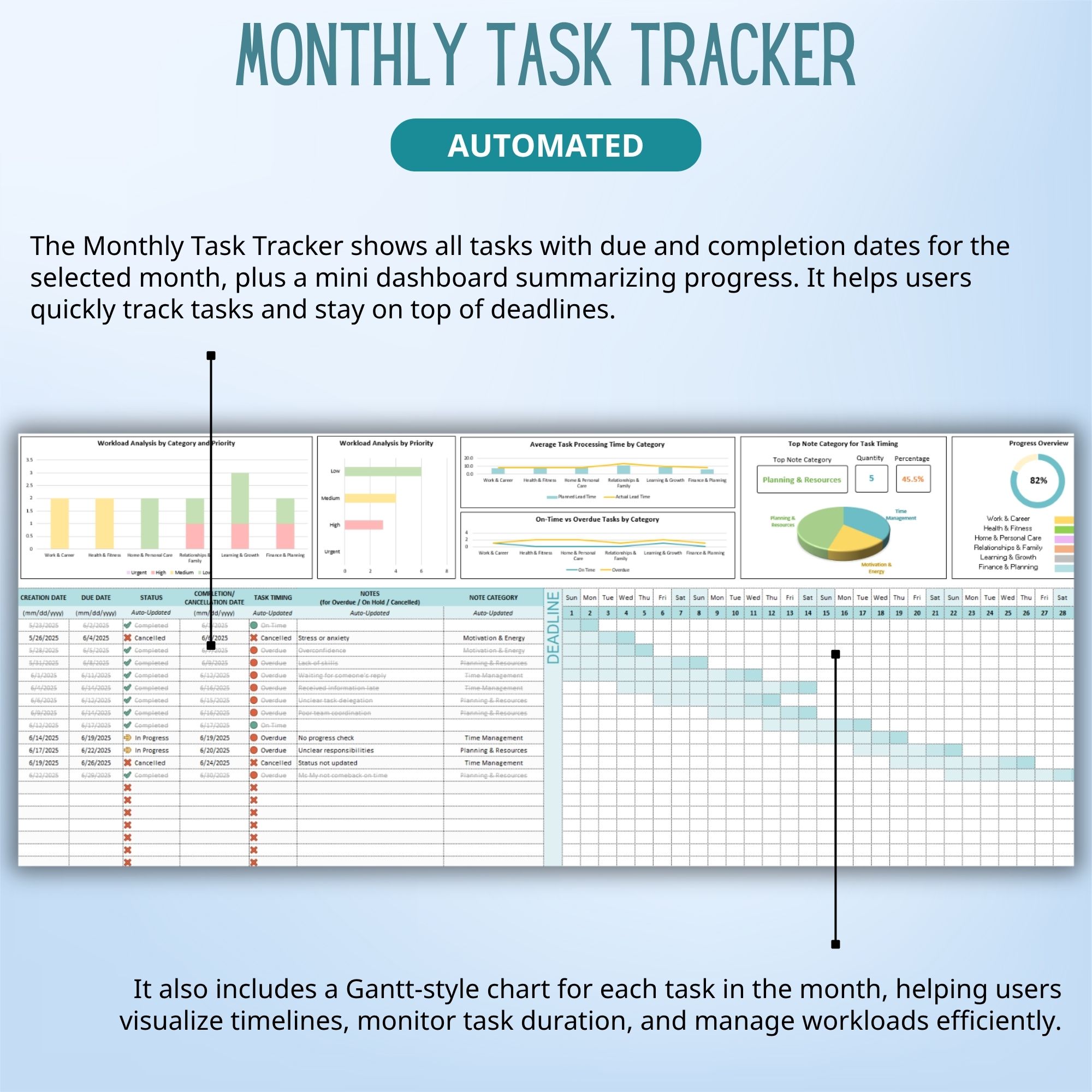
- Monthly Task Tracker (Gantt Chart View): Automatically updates from your input data. View your monthly progress and visualize timelines using a Project Gantt Chart for easy project management.
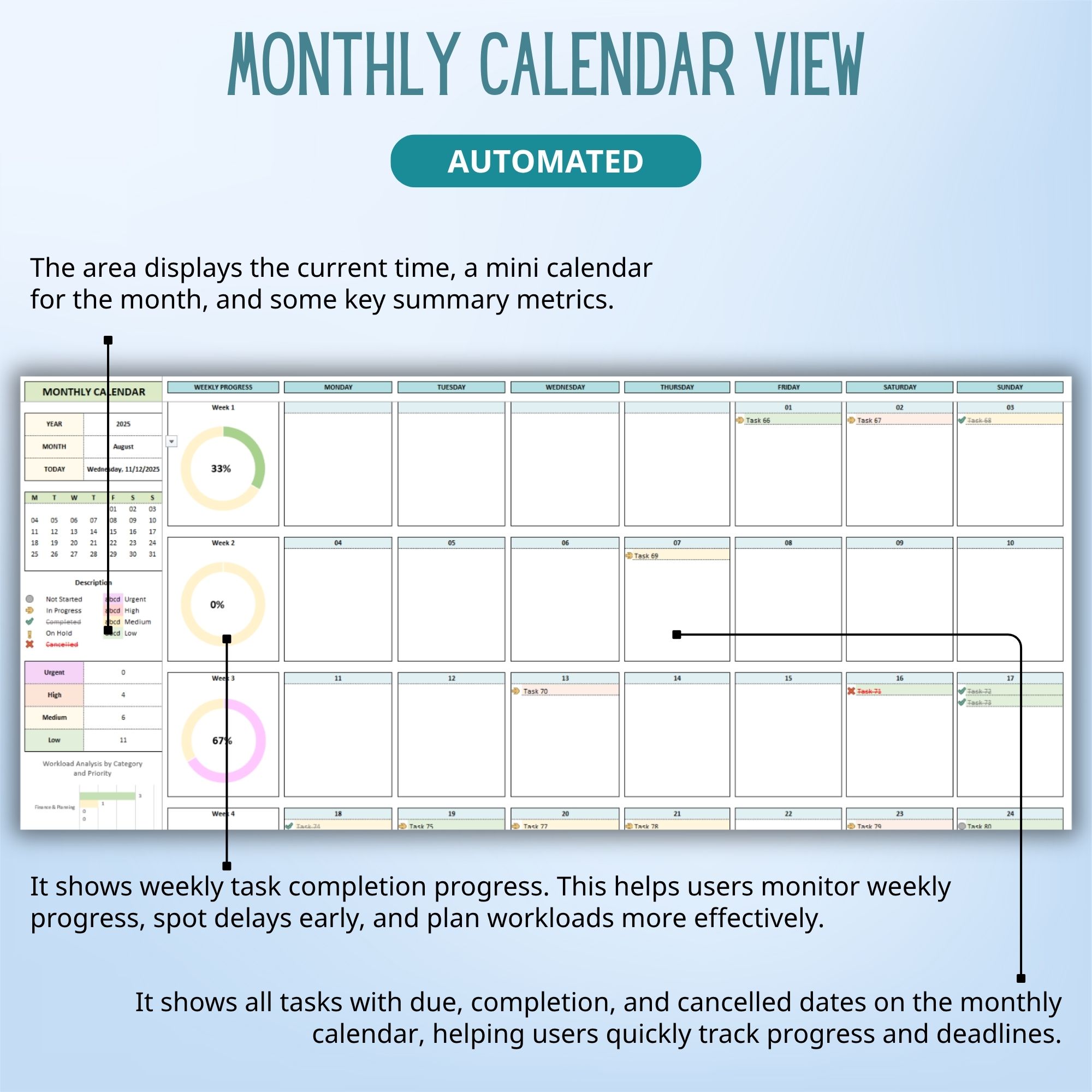
- Monthly Calendar View: See all your tasks distributed by day in a familiar calendar layout — perfect for scheduling, daily task tracking, and balancing workloads.
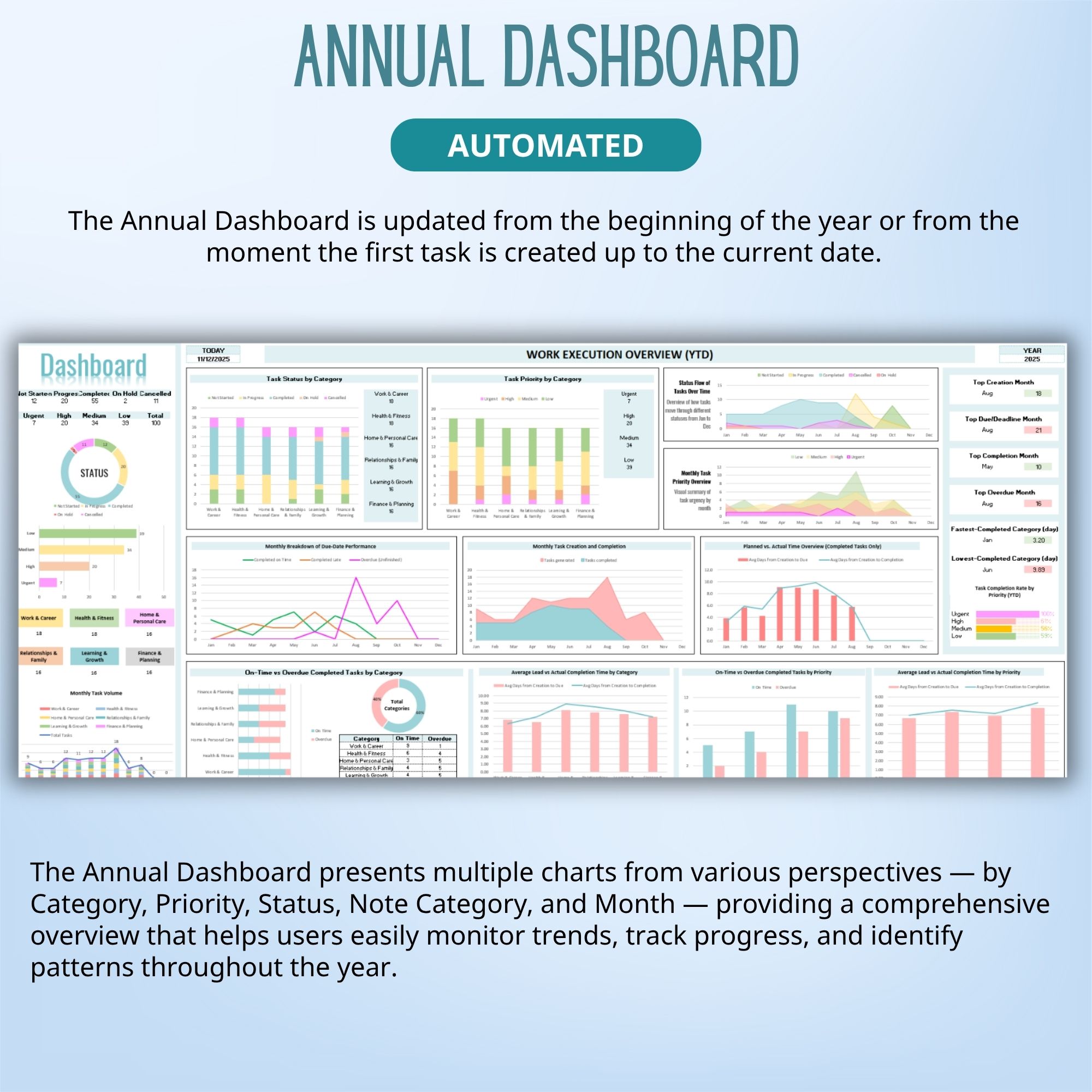
- Annual Dashboard: Gain a full year-to-date overview with automatically updated charts and summaries — ideal for performance tracking and team management.
Why You’ll Love This Template:
- Fully editable & easy to use (no complicated setup)
- Works on Excel — offline, desktop & mobile
- Instantly see workload, priorities, and progress
- Clean, minimal layout — focus on productivity, not design
Perfect For:
- Individuals & Professionals: Track your own goals, deadlines, and progress efficiently with a clear Task Priority List and Priority Matrix.
- Freelancers & Creators: Keep all your projects organized and monitor progress automatically with an easy-to-use Project Task Tracker.
- Students & Planners: Stay on top of assignments, schedules, and personal projects using Kanban and Calendar views that update in real time.
You will receive a PDF file containing the download link for the template after purchase
How It Works
- Purchase: Add the template to your cart and complete checkout.
- Download: Go to Your Account > Downloads to download the PDF file.
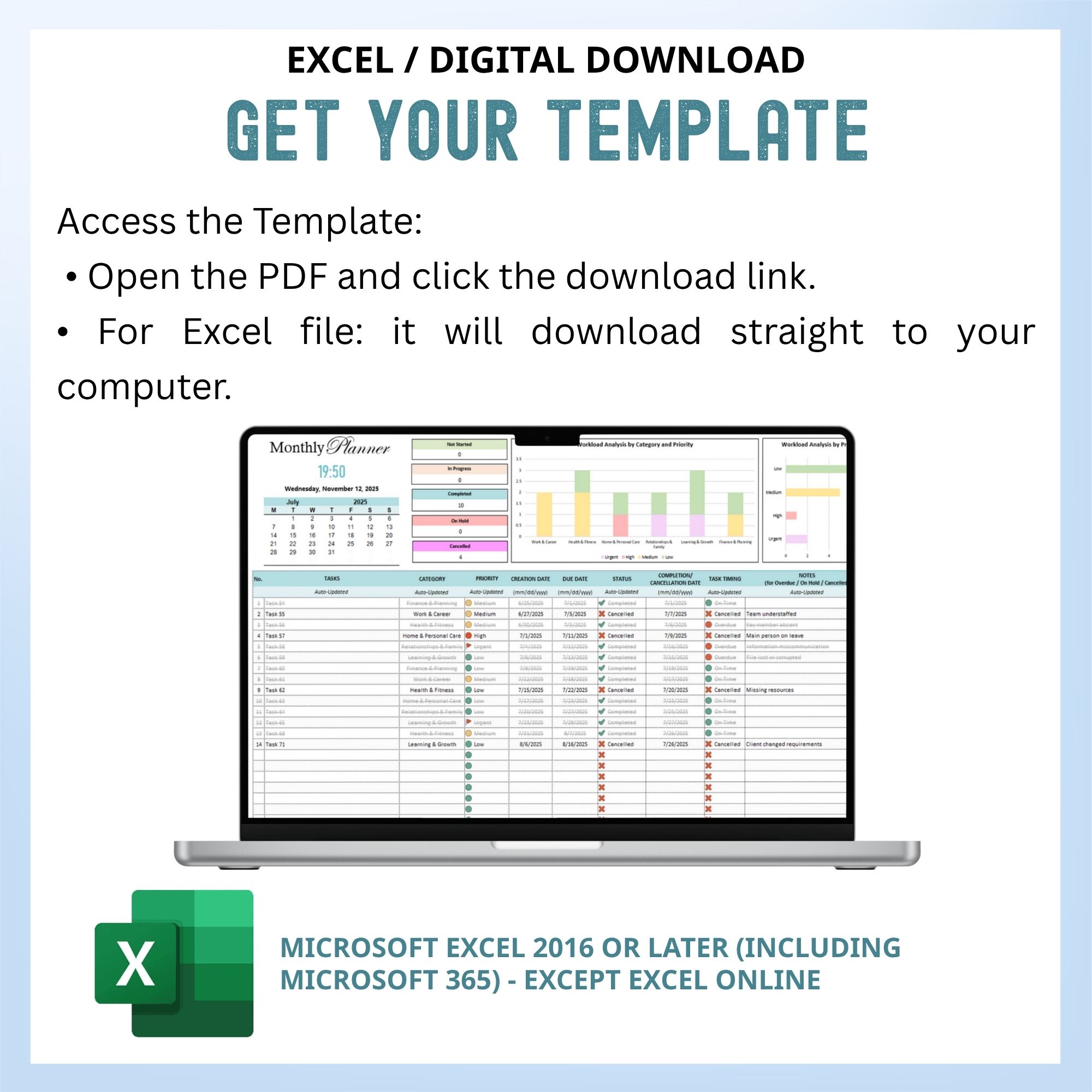
- Access Template:
- Open PDF and click the link to your spreadsheet.
- Excel: The file will download directly to your computer.
Disclaimer / Notes / Important Info
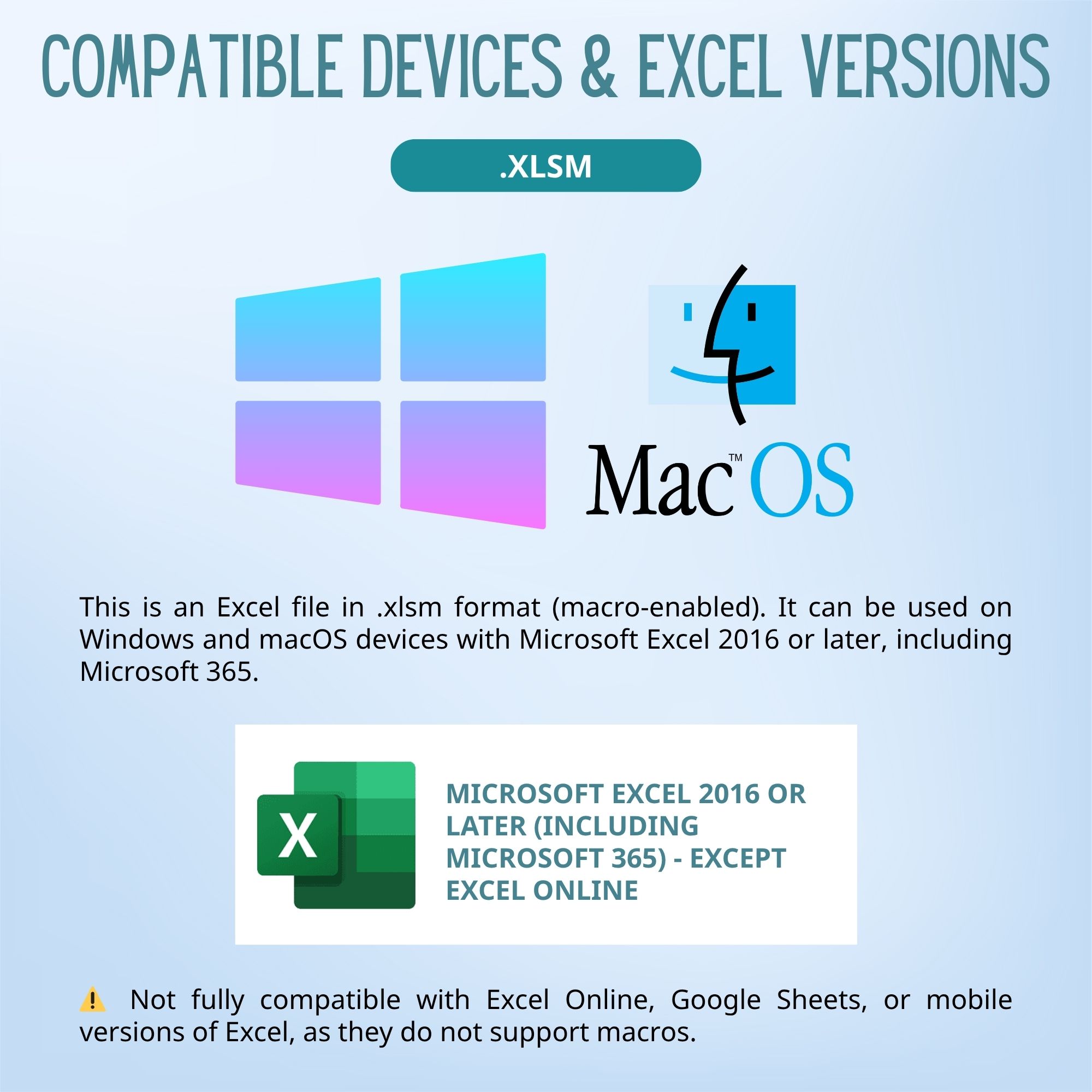
- File Type: Excel Macro-Enabled Workbook (.xlsm)
• Compatibility: Works with Microsoft Excel 2016 or later, and Microsoft 365 (Desktop App). Earlier versions of Excel may not fully support all automated features.
• Mac Users: Compatible with Excel for Mac (2016 or later); however, some advanced automation may run slower depending on your system.
• Device Limitations: This template is designed for desktop use only and requires Microsoft Excel 2016 or later, or Microsoft 365 (desktop version). It is not compatible with Excel Online or mobile apps.
• Digital Use Only: This template is optimized for digital tracking and visualization, not for printing.
• Language: Default language is English, but you can freely adjust labels and headers to your preferred language.
Please note:
- Digital Download Only: No physical product will be shipped. PDF contains a link to your spreadsheet.
- Copyright & Usage: Copyrighted by LittlePlanner. Purchase is for personal use only. Commercial use, sharing, or resale is prohibited.
- No Advice: Spreadsheet is for planning purposes only. LittlePlanner is not responsible for any loss, damage, or issues from using this template.
- This template cannot be integrated with Google Calendar, Outlook Calendar, Notion, or any other third-party apps. It works only within Excel.
- This is a digital product, so we don’t offer refunds once the file has been downloaded. However, if you experience any issues with the template, please message me — I’ll be happy to assist you until everything works perfectly for you.